 Stanificent Global Technologies Ltd
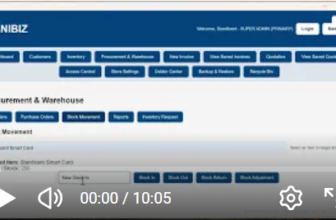
Learn how to set up your store settings in STANIBIZ Enterprise Software, a powerful Point of Sale (POS) and business management software designed for businesses in Nigeria. In this step-by-step tutorial, you will learn how to properly configure your store information, business details, currency settings, receipt settings, and other important store configurations within the STANIBIZ Enterprise POS system.
Properly configuring your store settings in a POS system is essential for businesses such as retail stores, supermarkets, pharmacies, restaurants, boutiques, and wholesale shops. With STANIBIZ Enterprise Software, business owners can easily customize their store profile, sales settings, tax configuration, receipt details, and operational preferences to match their specific business needs.
Watch The Full Video On Our YouTube Channel