 Stanificent Global Technologies Ltd
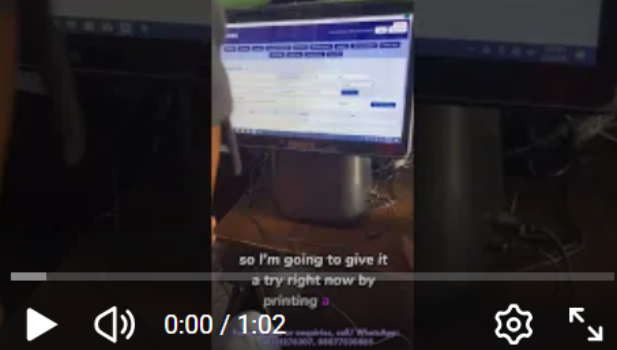
Activating your Thermal Receipt XPrinter is an essential step to ensure smooth, fast, and reliable receipt printing for your Point of Sale (POS) system. Whether you operate a retail store, supermarket, pharmacy, restaurant, boutique, or wholesale business in Nigeria, properly setting up and activating your XPrinter guarantees efficient transaction processing, clear receipt output, and seamless integration with your POS software.
The XPrinter Thermal Receipt Printer is widely used by Nigerian businesses for high-speed thermal printing, USB/LAN connectivity, automatic paper cutting, barcode printing, and compatibility with leading POS applications. Correct activation and configuration allow your business to print professional receipts, improve checkout efficiency, enhance customer experience, and maintain accurate sales records.
Contact Information & Store Address: