 Stanificent Global Technologies Ltd
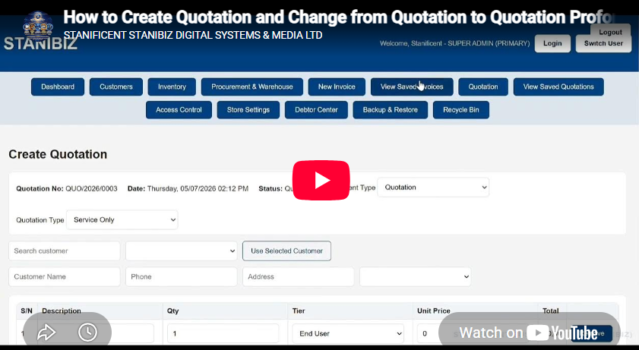
Learn how to view saved invoices and saved quotations, print receipts using a POS 80mm printer, save transaction records as PNG images, and export documents as PDF files using a professional point of sale system for businesses in Nigeria. This comprehensive tutorial is perfect for retailers, supermarkets, pharmacies, restaurants, boutiques, wholesalers, distributors, and small business owners looking to manage sales documents and customer records efficiently.
Discover how to access previously saved invoices and quotations, reprint receipts with a POS thermal printer, save business documents in PNG format for easy sharing, and generate PDF copies for accounting, reporting, and customer documentation. Proper document management helps businesses maintain accurate transaction history, improve customer service, organize financial records, and simplify daily operations.
This guide is ideal for businesses searching for reliable POS software in Nigeria with advanced invoice management, quotation handling, receipt printing, inventory tracking, sales reporting, and payment processing features. Whether you accept cash payments, bank transfers, POS payments, mobile transfers, or online payments, this tutorial will help you handle transactions professionally and improve workflow efficiency.
Using a modern retail POS application allows businesses to securely store invoices, manage quotations, print receipts instantly, and share transaction records digitally in PNG and PDF formats. Perfect for small businesses, retail stores, service providers, and growing enterprises looking for trusted business management software and retail automation solutions in Nigeria.
For installation support, demo requests, or business inquiries:
📞 08131276307
📞 08077530865
🌐 Website: stanificentglobal.com
📍 Address: 69/71, Mission Road, Opposite Cooke Road Junction, Benin City, Edo State, Nigeria.
Watch The Full Video On Our YouTube Channel